A household budget without handing over your bank login
You enter income and expenses yourself. The app never asks for access to your bank, and your entries stay on your device.
- No bank login
- Entries stay on your device
- Works offline
- Free backup and restore
- No account or sign-up
Everything stays on your device
Income, expenses, categories and notes are stored locally on your device. They are not sent to us or synchronized through an app cloud.
Recording entries, reviewing months, searching and using reports work without an internet connection. You only need a connection for the current Pro price, buying Pro, restoring a purchase or refreshing Pro status.
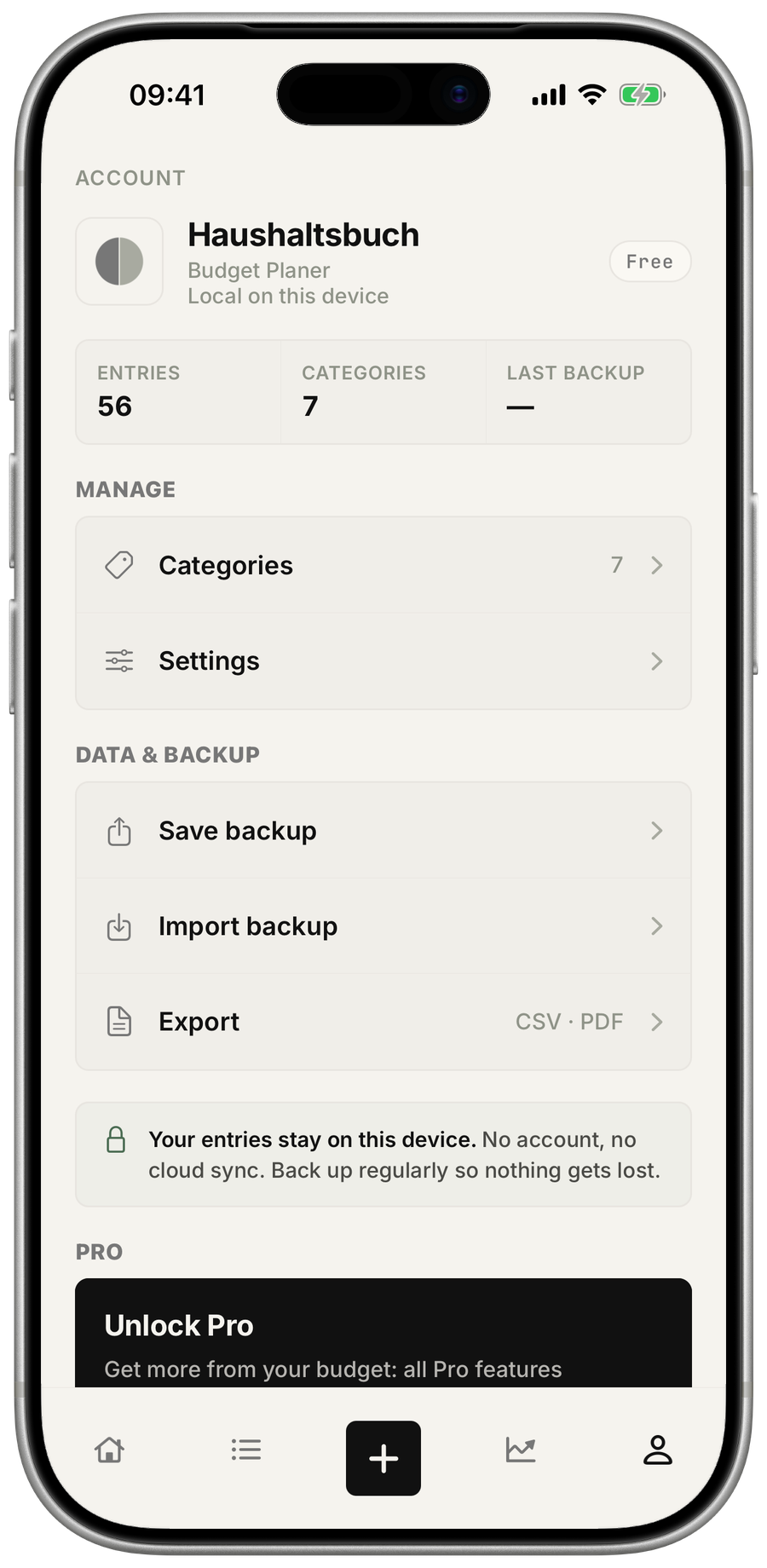
The backup is yours to keep
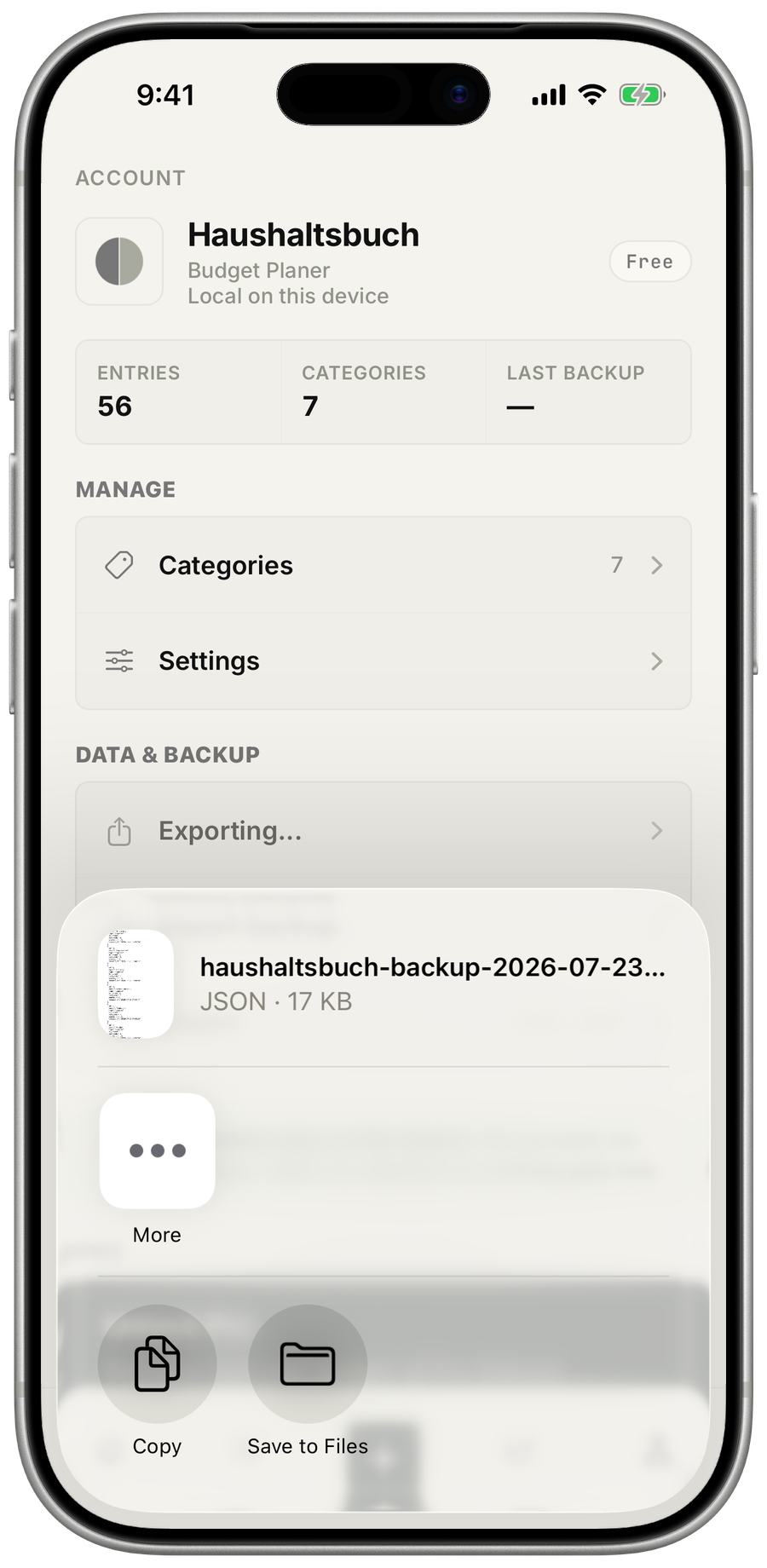
A complete backup is free. It contains your entries and categories, and you decide where to save it. Later, the app can use that file to restore your household budget.
iCloud and Finder device backups do not include the app’s entries, categories or preferences. Create a free JSON backup regularly, keep it somewhere safe and use that file if you need to restore your household budget.
What does Family Sharing share?
Apple Family Sharing lets a monthly or annual Pro subscription or Lifetime purchase cover up to six people, you included. It shares the Pro access, not a common household ledger.
This is an iPhone and iPad benefit: everyone uses their own Apple account and keeps their income, expenses and notes separate.