Haushaltsbuch on iPad and iPhone Duo
Since version 1.3.0, the app runs on iPad with a layout made for the larger screen. On the iPhone Duo, it works on the outer screen and on the unfolded inner screen. Each device keeps its own entries, just like on iPhone.
- iPad in every orientation, Split View and windows
- Your list and the entry side by side
- Pro reports in two columns
- iPhone Duo folded and unfolded
- Entries stay on each device
Room for your month on iPad
Haushaltsbuch runs on iPad in portrait and landscape, in Split View and in a resizable window. On a wide screen, every tab sits in a centered column, so lines stay short and amounts stay easy to read.
Make the window narrow, for example next to another app, and you get the familiar iPhone layout. Turning the iPad or resizing the window keeps what you were typing.
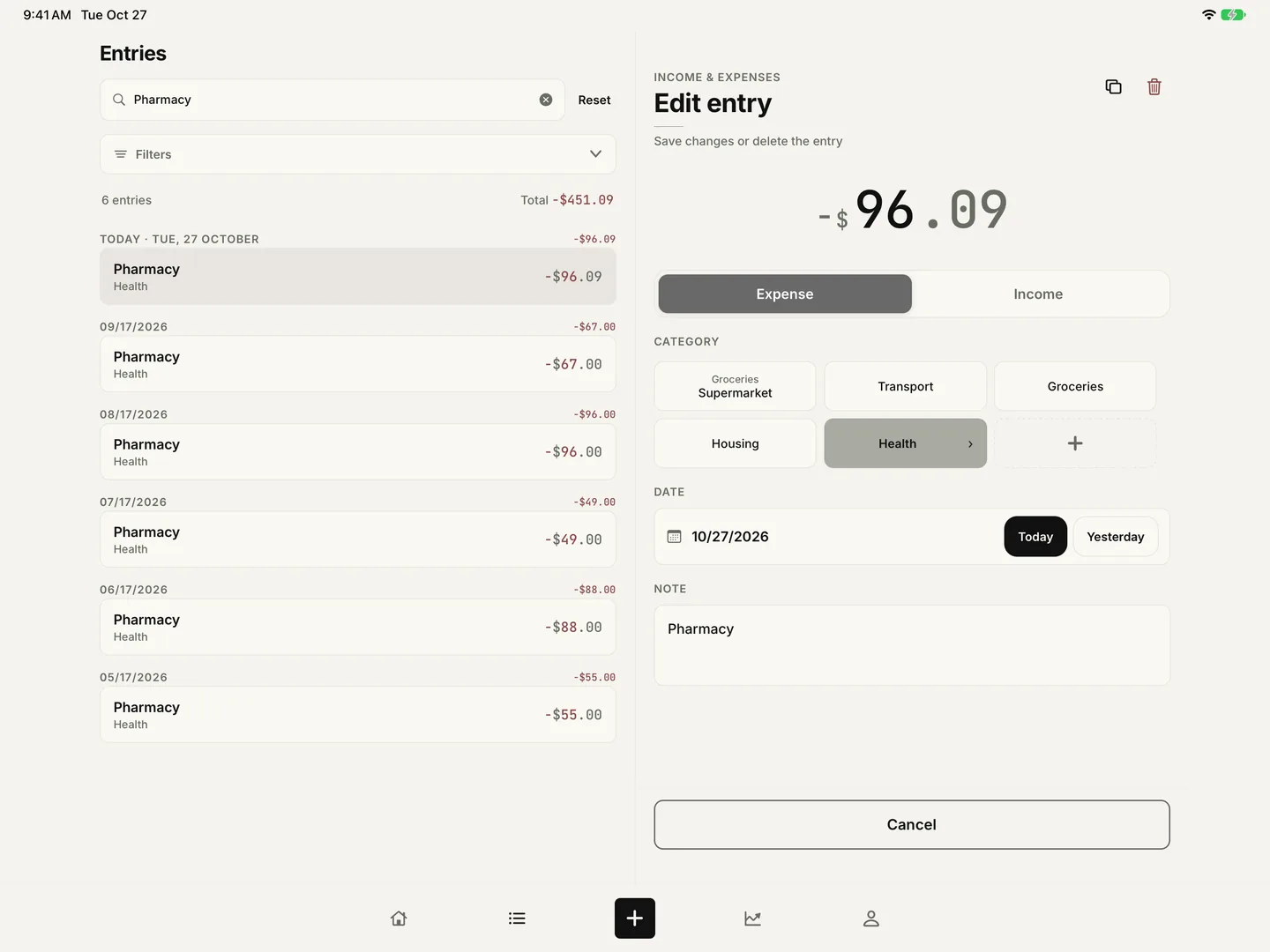
Your list and the entry side by side
In landscape, and in portrait on the 13-inch iPad, Entries shows your list on the left and the selected entry on the right. Tap an entry to change its amount, category, date or note without leaving the list.
Save, Duplicate, Delete and Cancel work as on iPhone. If you tap another entry while there are unsaved changes, the app asks before it discards them.
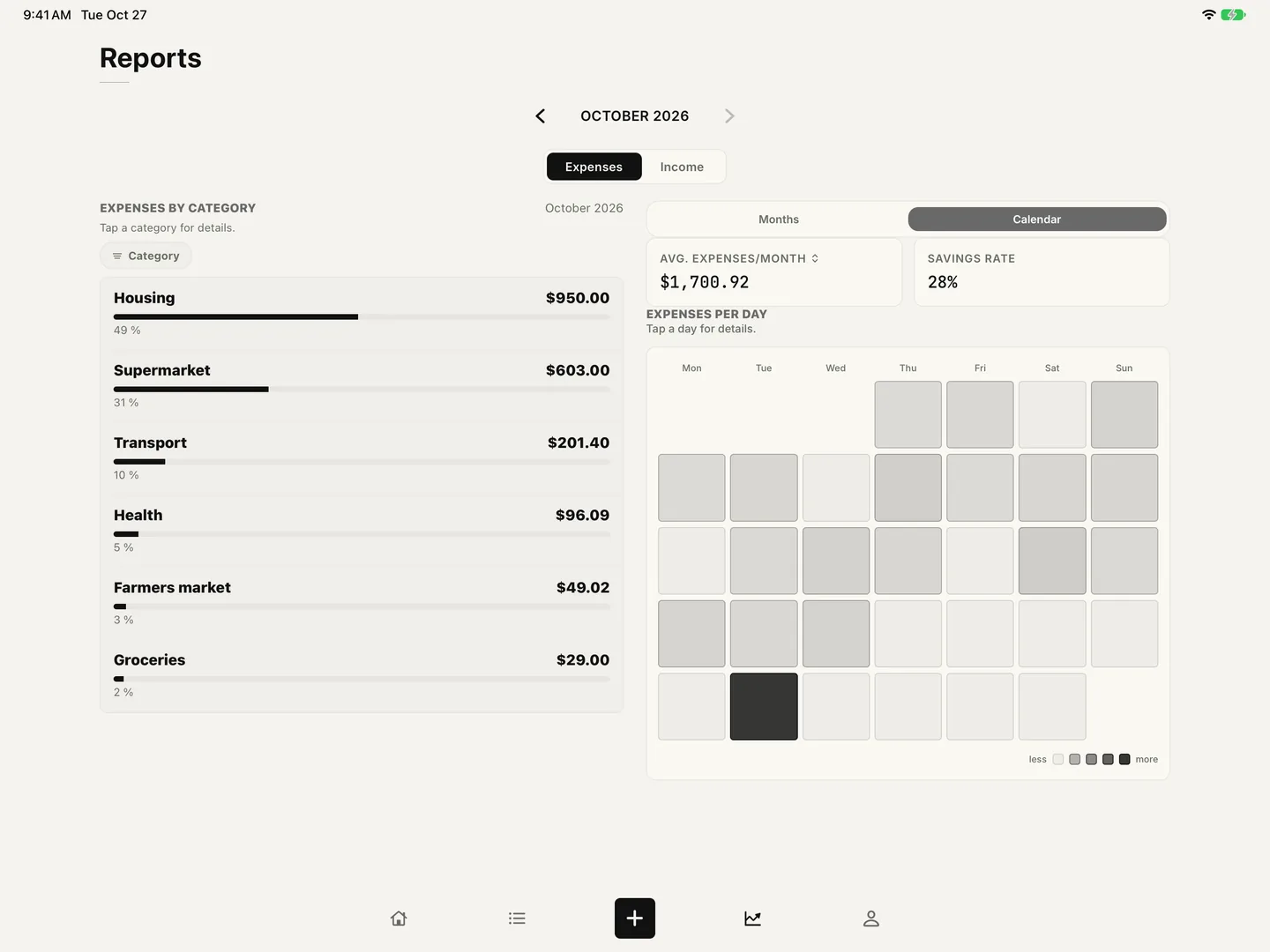
Reports in two columns
With Pro, Reports use the width: spending by category on the left, the month comparison or the spending calendar on the right, both in view at once. In portrait on the 11-inch iPad, they stay stacked as on iPhone.
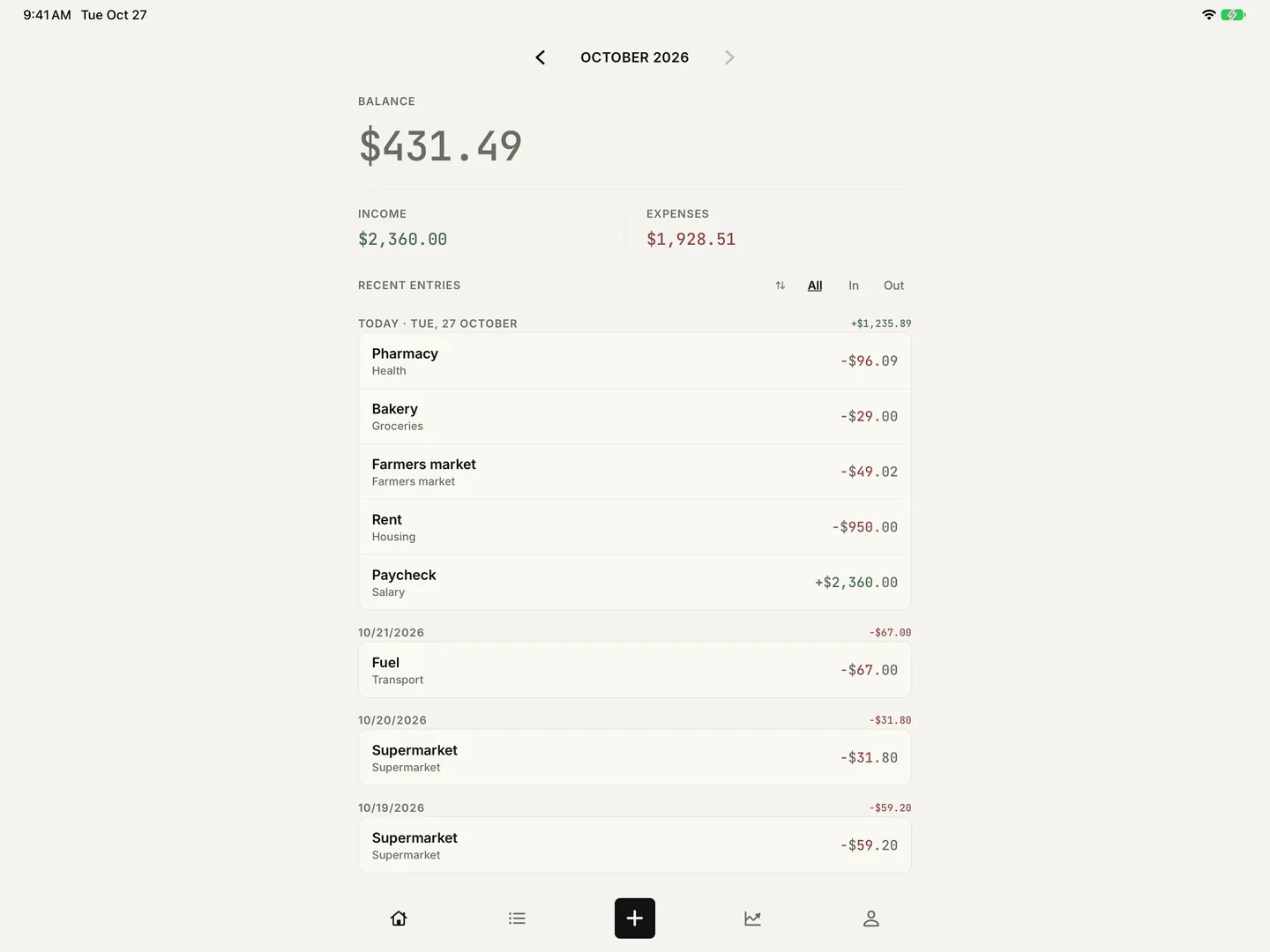
iPhone Duo, folded and unfolded
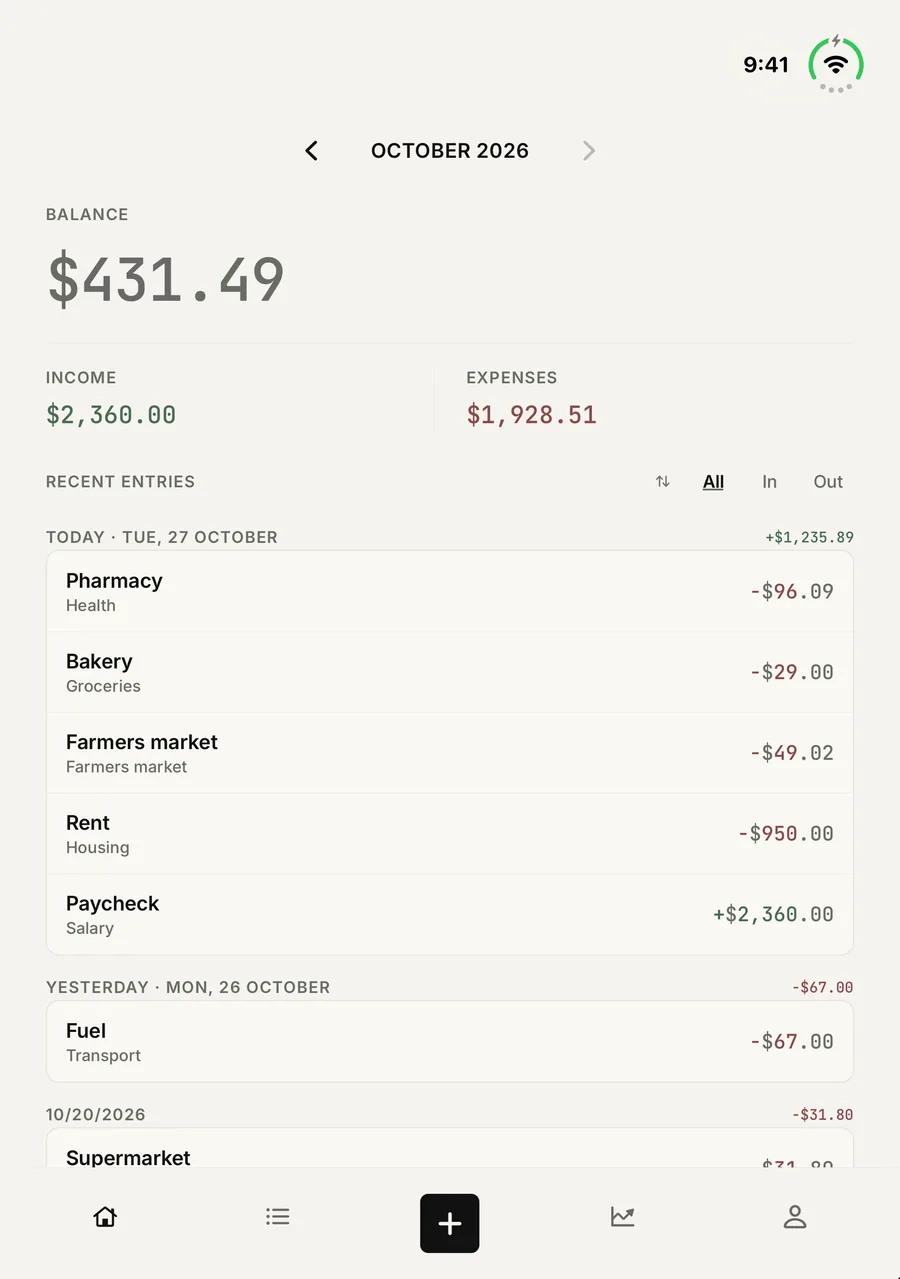
On the iPhone Duo, Haushaltsbuch is the same app as on any iPhone. Folded, the outer screen shows the familiar layout, ready for a quick entry at the checkout.
Unfold it, and the almost square inner screen shows more of your month at once. The widgets for today, a new entry and this month fit on the larger Home Screen too.
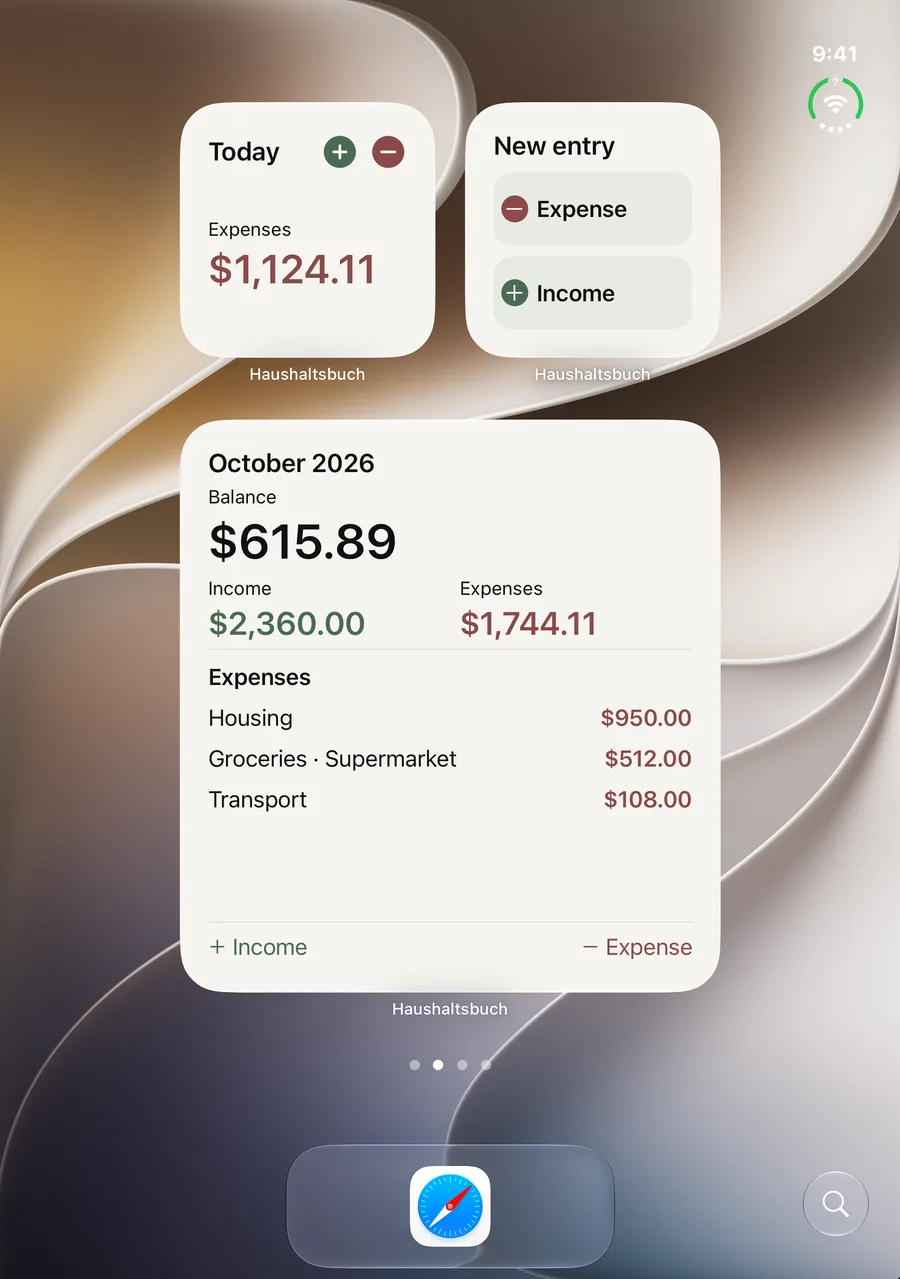
Widgets and Pro on iPad too
The Home Screen and Lock Screen widgets work on iPad as they do on iPhone, and tapping one opens the matching place in the app. The Widgets page explains how to add them.
On iPhone and iPad, all three Pro options support Apple Family Sharing, so up to six people can each keep their own household budget.
Each device keeps its own entries
iPhone, iPad and iPhone Duo do not sync. Your entries stay on the device where you made them and are not sent through an app cloud.
To take your household budget to another device, create a free backup in Account and restore it there.