Take your entries with you as CSV or PDF
Use a spreadsheet file (CSV) when you want to work with the figures yourself, or choose a PDF when you want something ready to read and share. Both exports are included with Pro.
- CSV for spreadsheets
- PDF for reading and sharing
- Selected months, a year or everything
- Full backup remains free
Export months, a year, or everything
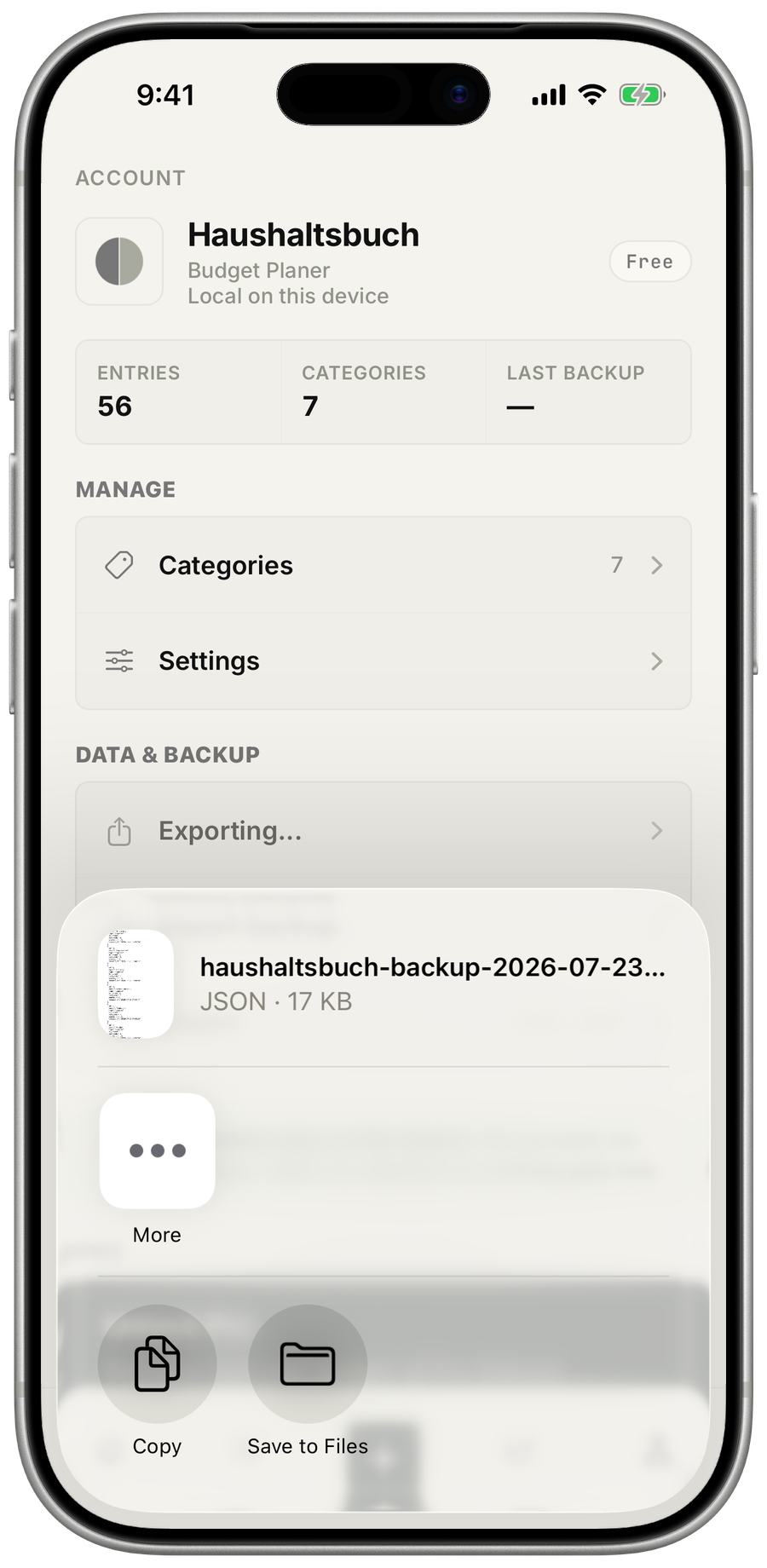
Choose the current month, one or more selected months (even from different years), the current year or everything you have recorded. The file is created on your device, and the system sharing menu lets you choose where it goes next.
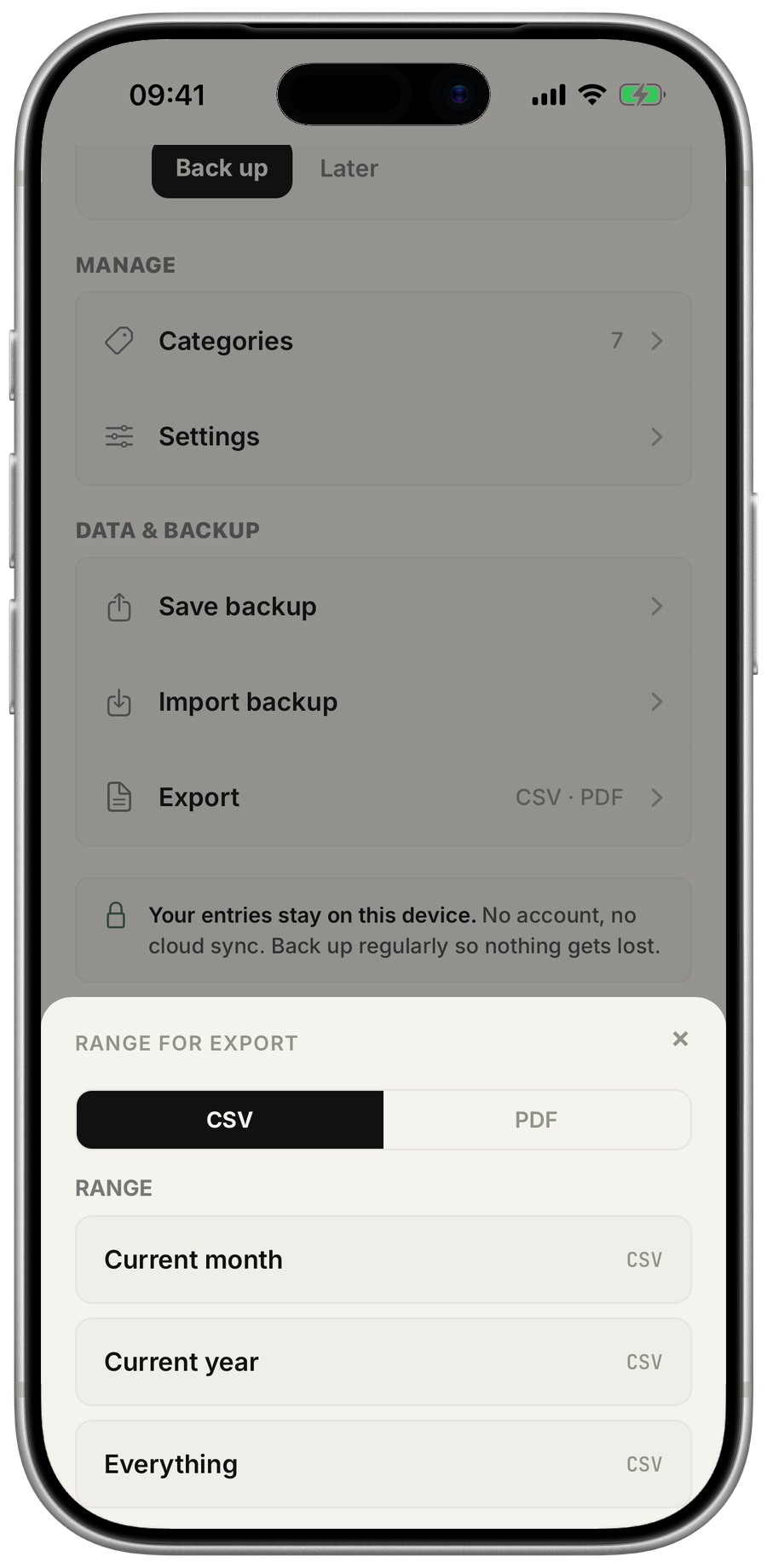
CSV when you want to do the math yourself
CSV is the practical choice for a spreadsheet program such as Numbers or Excel. Sort the rows, calculate your own totals or keep a copy alongside other records.
The technical name stays visible because it helps you recognize the format. The useful part is simpler: it is the export you can continue working with.
PDF when it only needs to be readable
Choose PDF when the result should be ready to read, archive or pass on without further editing. It is the calmer format for your own records or a conversation with someone else.
Why is backup different?
CSV and PDF are made for reading, sharing or further analysis. The free backup contains your entries and categories in a form the app can restore later.