01
Every entry, quickly recorded
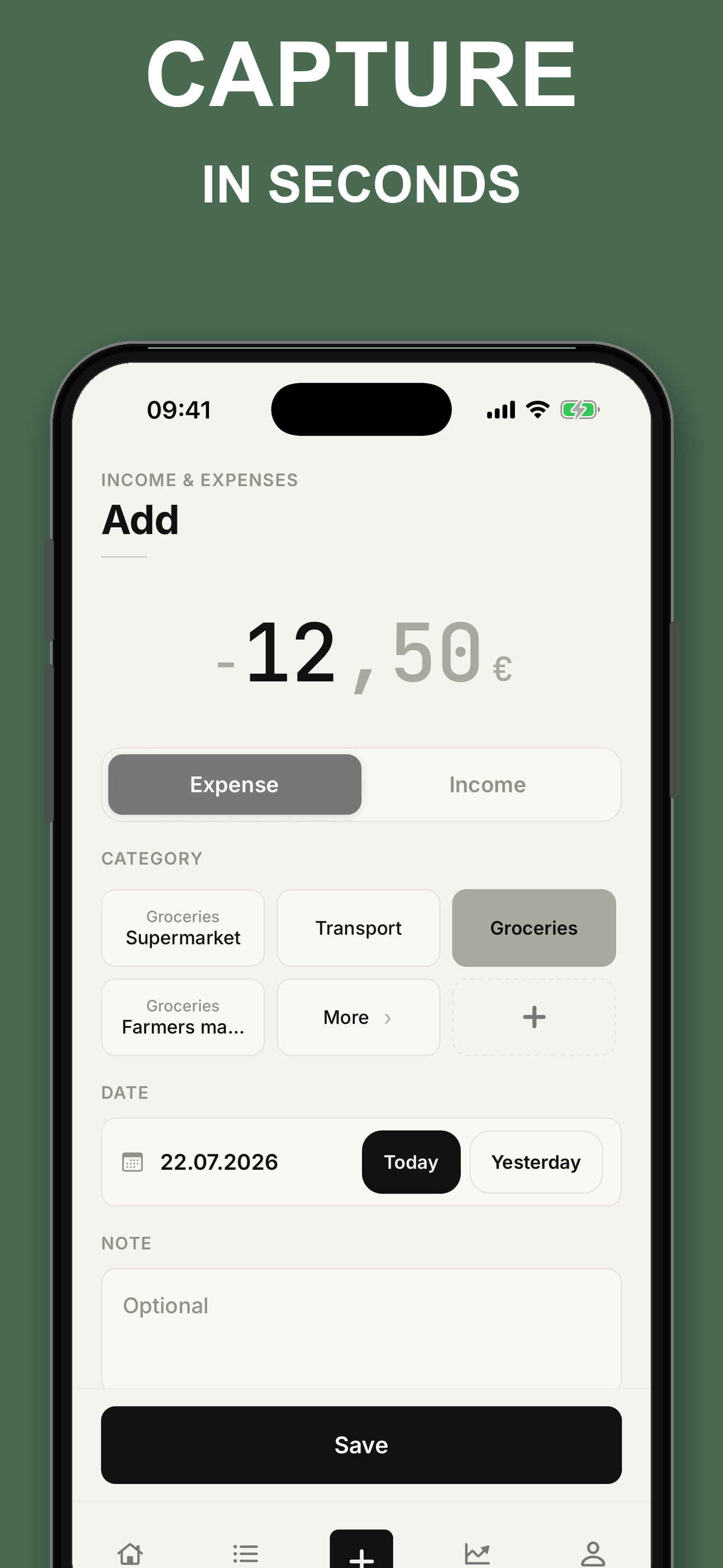
Add as many income and expense entries as you need, with a category and date.

 App · iPhone + Android · 2026
 See exactly where your money goes.
Record income and expenses in a few seconds. The monthly overview shows what came in, what went out, and what is left. No account, no bank linking, no ads.
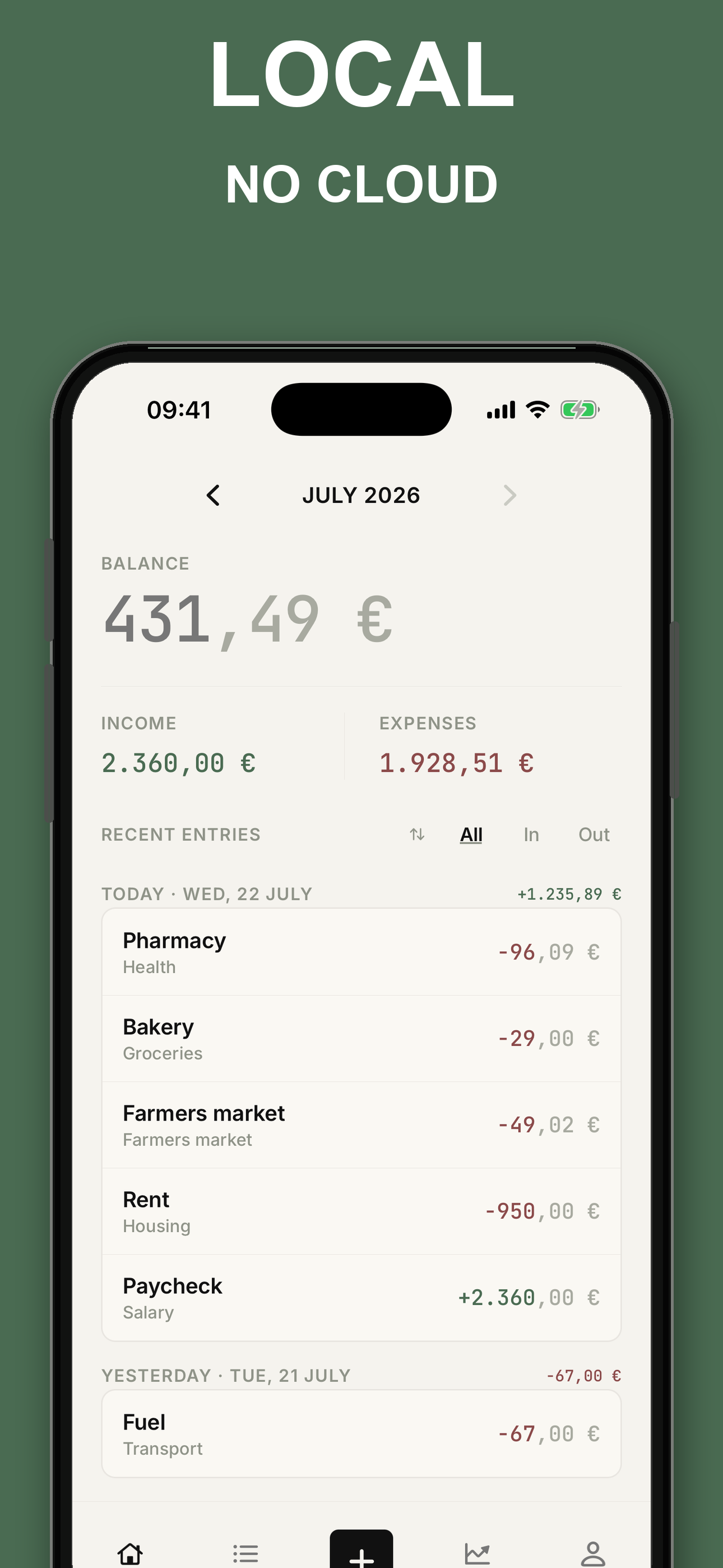
Your entries stay on your device.

 Scan with iPhone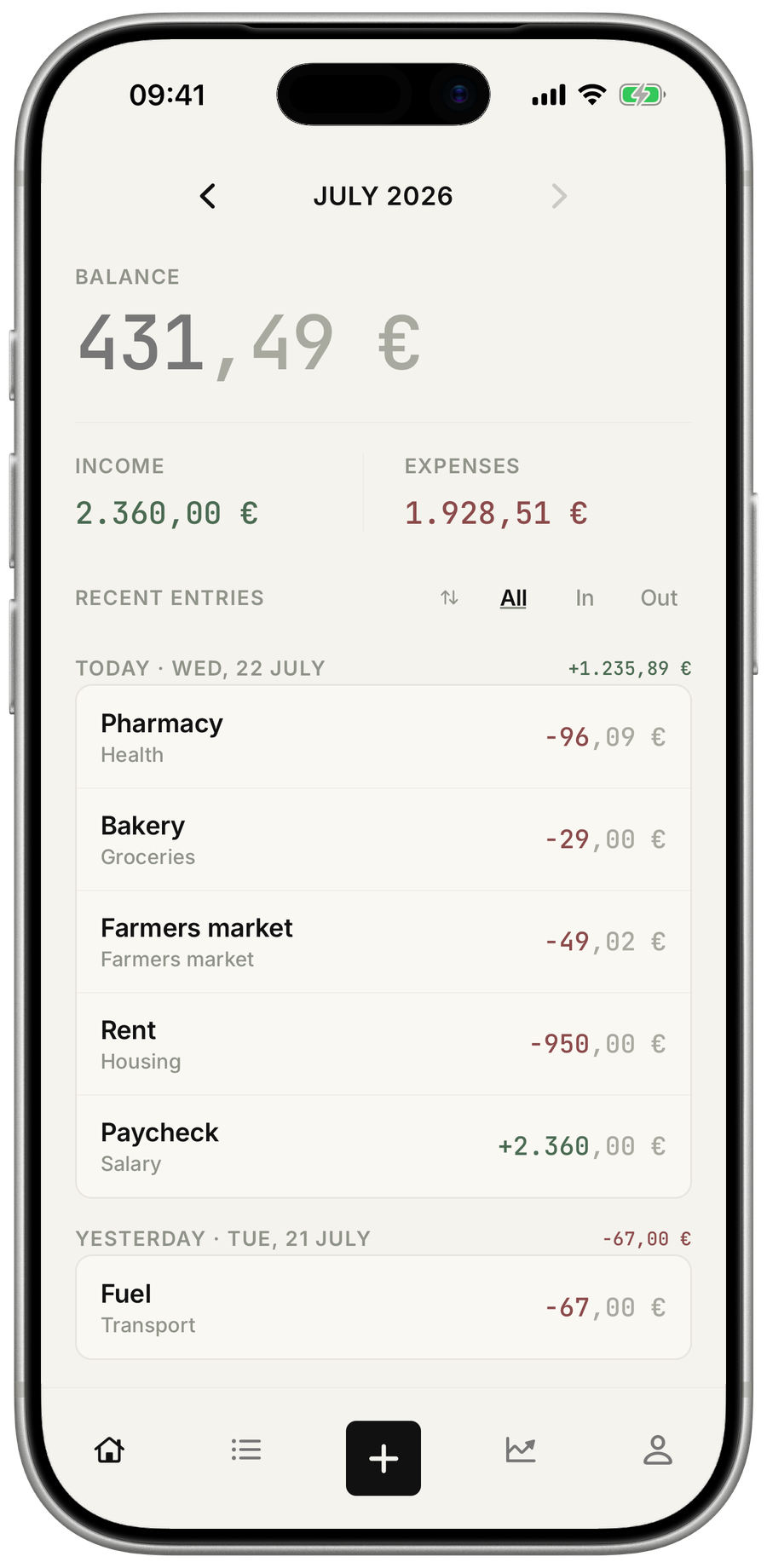
Swipe, explore, enlarge ↔
A household ledger once sat on the kitchen table: a private record of what came in and where it went. This one lives on your phone. A few seconds per entry are enough to turn the feeling that money simply disappears into a clear picture of the month.
KimaraCode · 2026Add as many income and expense entries as you need, with a category and date.
See income, spending and the remaining balance together.

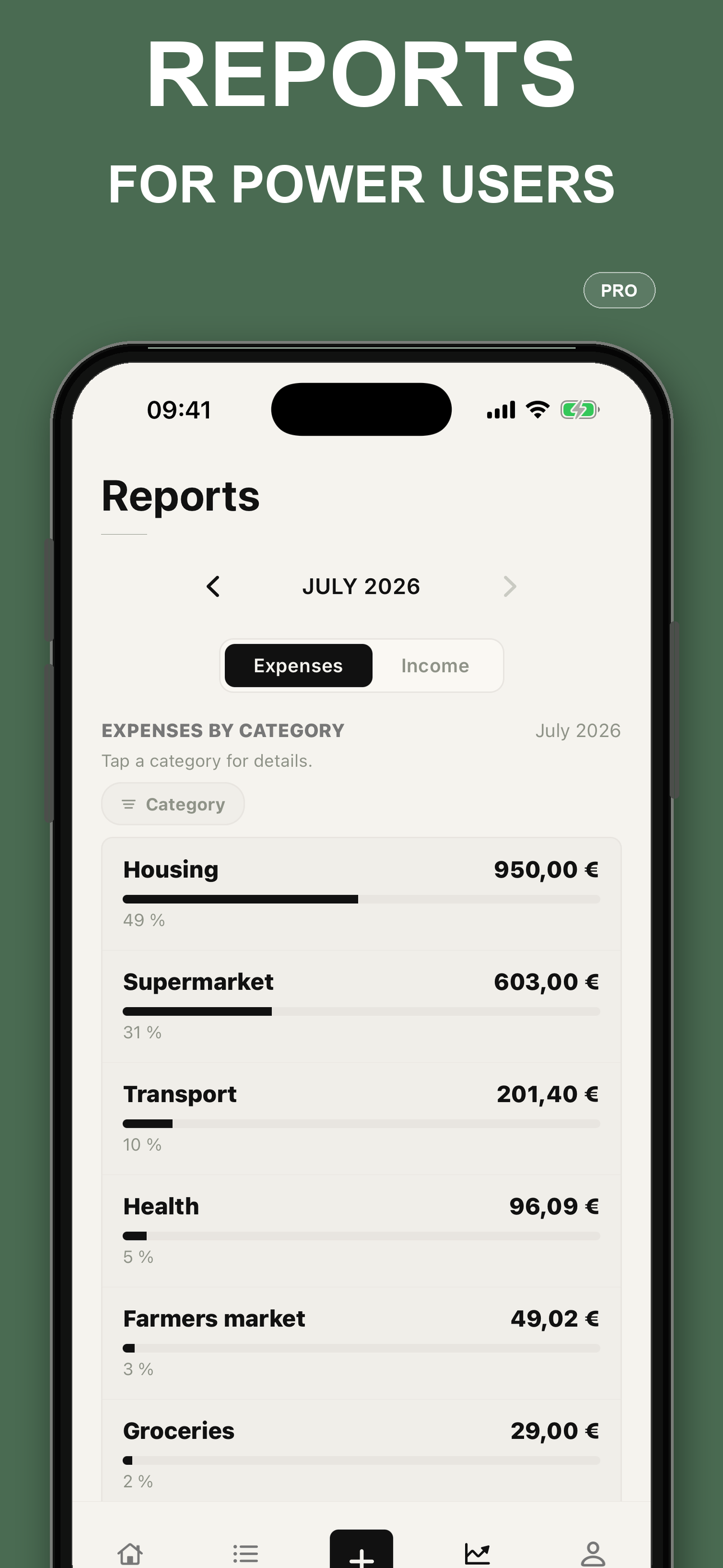
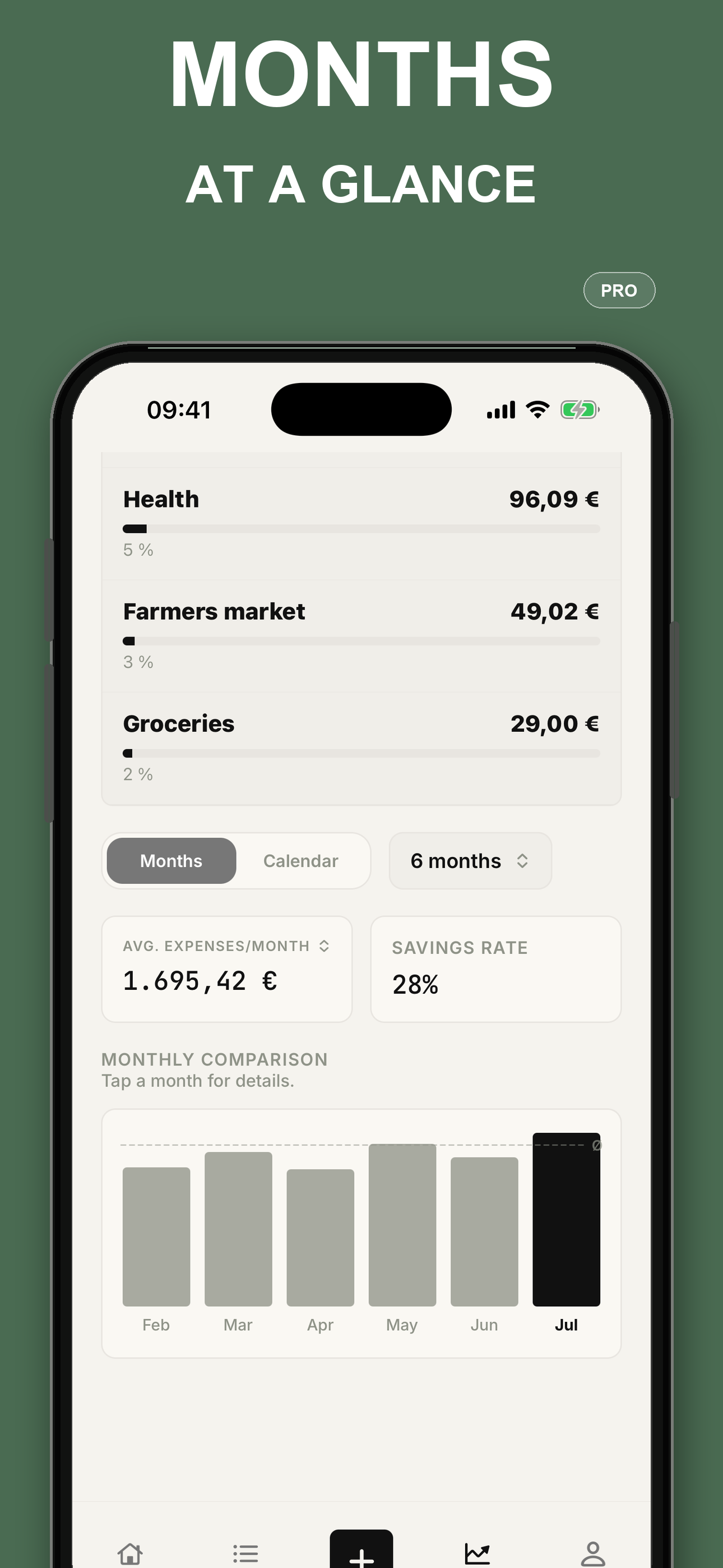
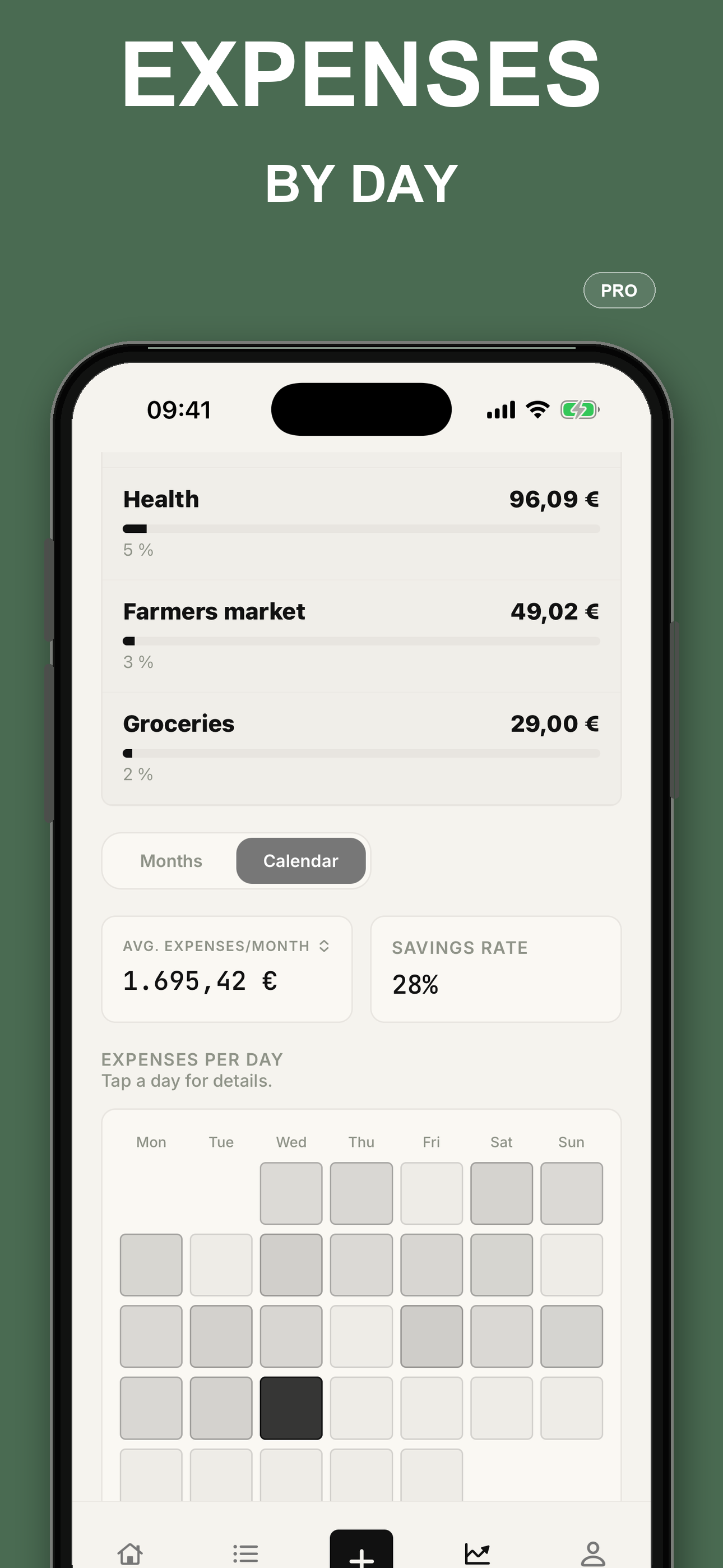
Compare months, follow your savings rate, and see higher-spending days in a calendar.

add as many income and expense entries as you need, with a category and date
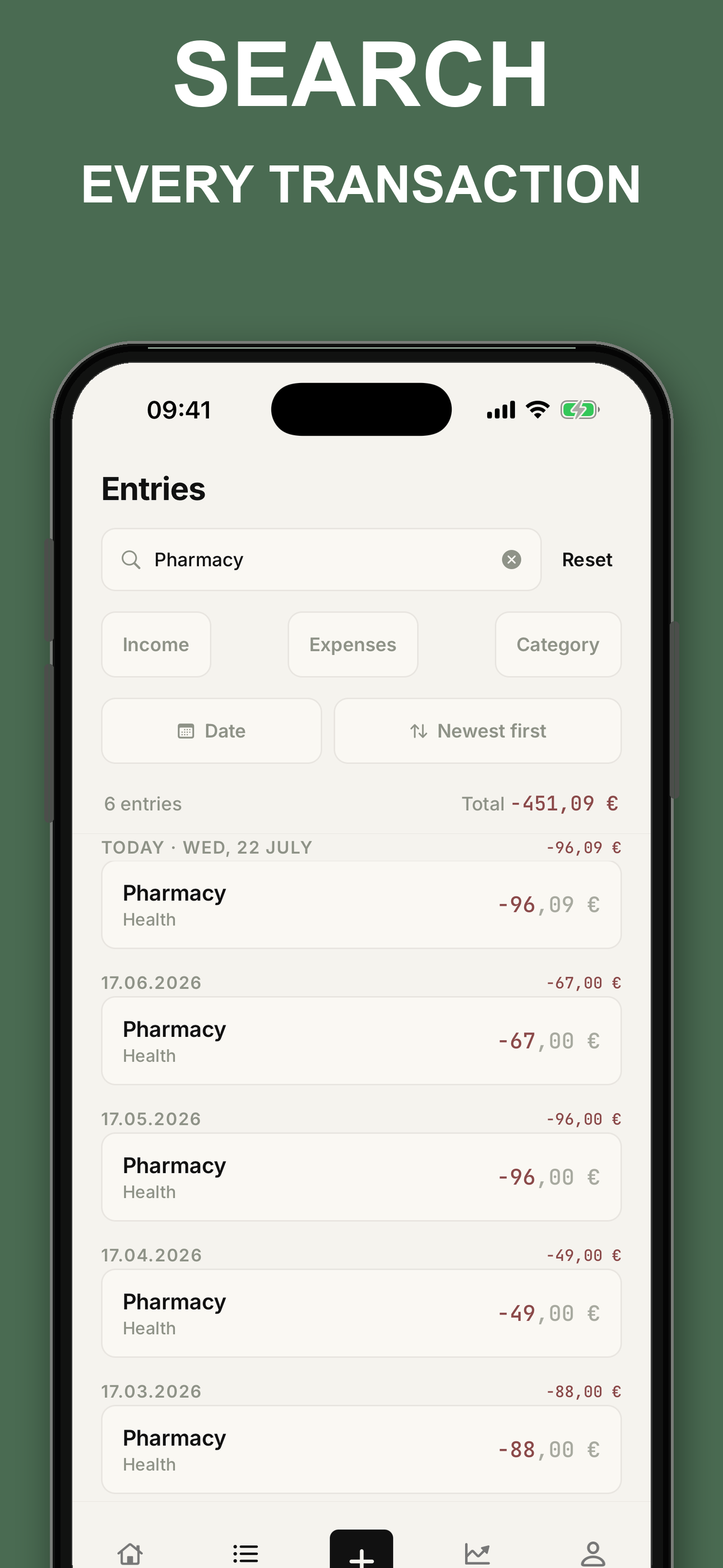
↗browse the latest year, search by text or amount, and narrow the list with filters
↗see income, spending and the remaining balance together
↗start with familiar choices from the first launch
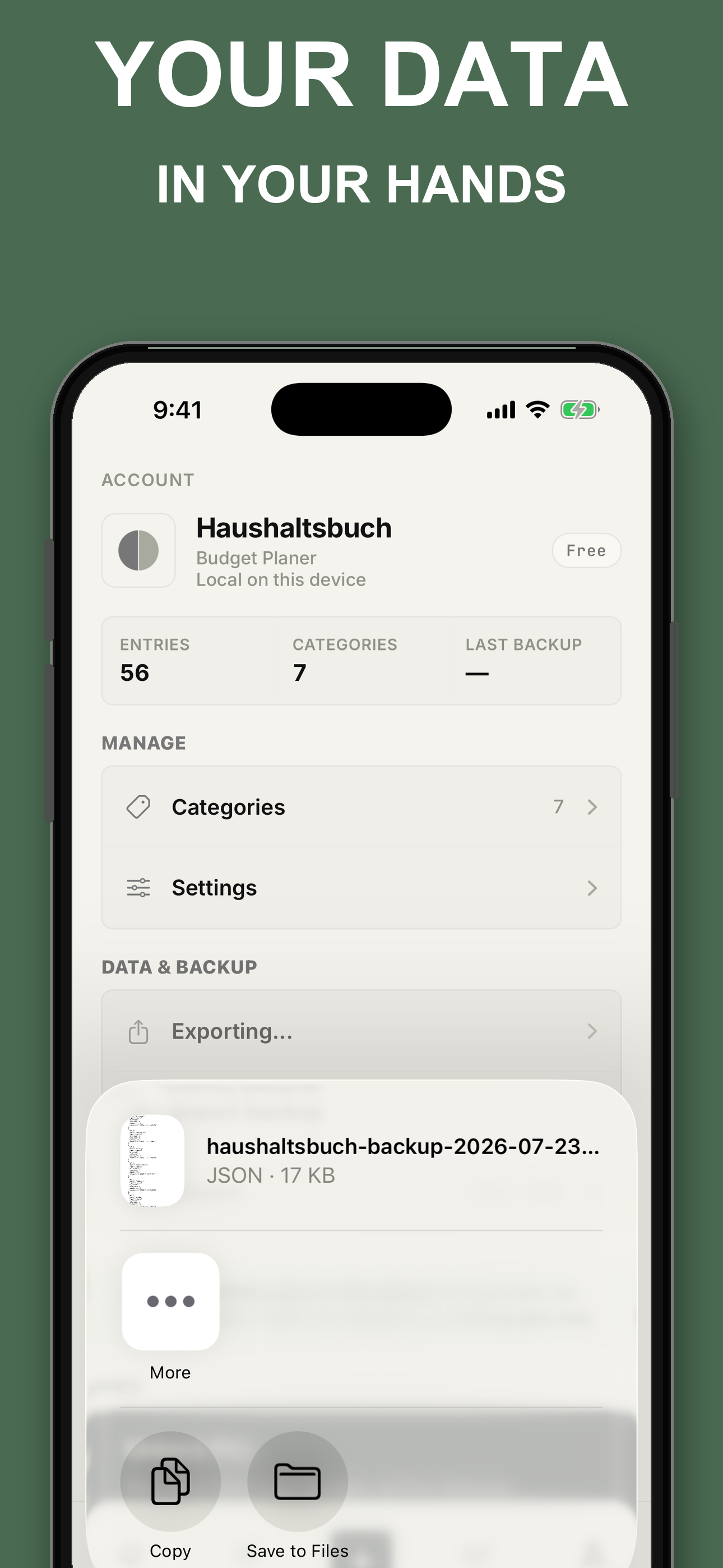
↗save all your entries and restore them later whenever needed
↗open every stored month, not only the latest twelve
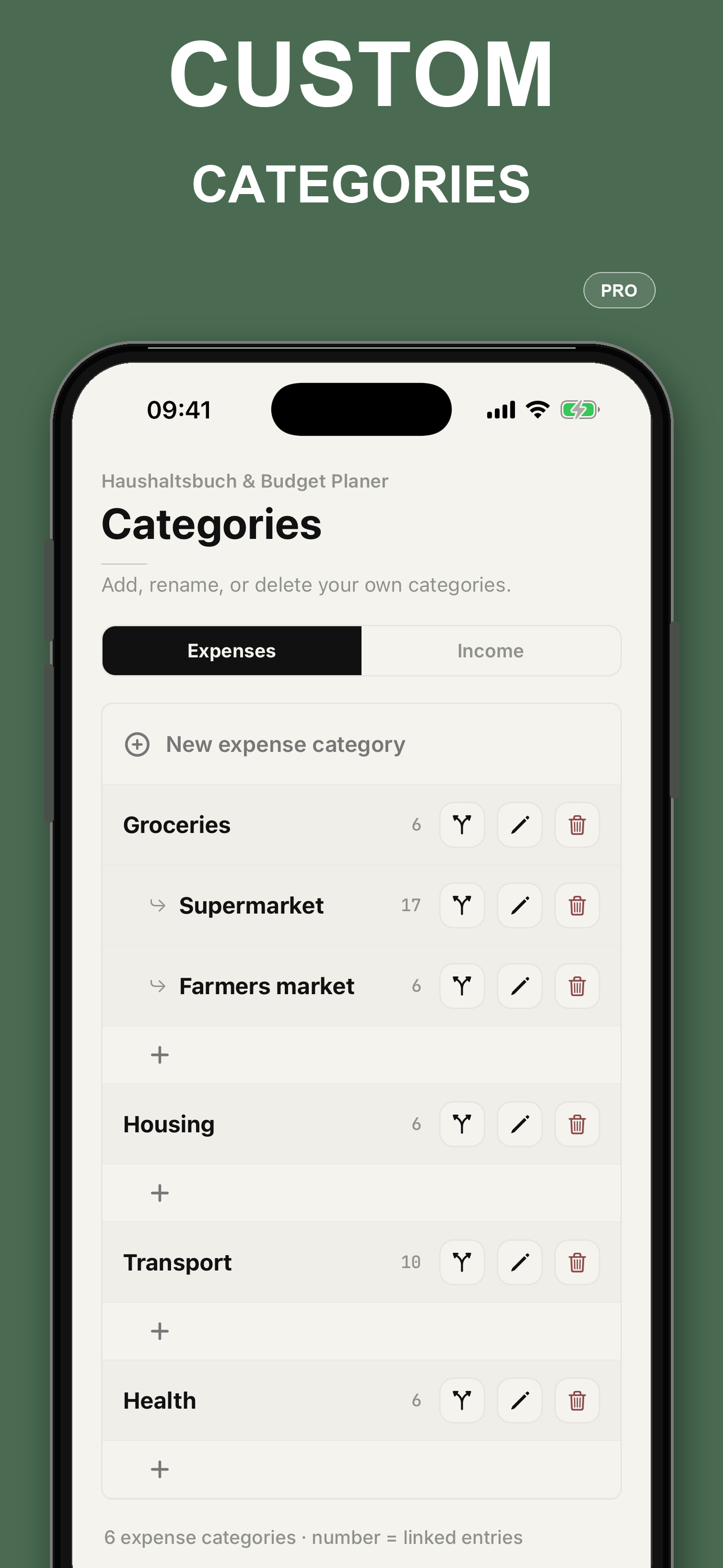
↗create your own categories and arrange related ones beneath them
↗compare months, follow your savings rate, and see higher-spending days in a calendar
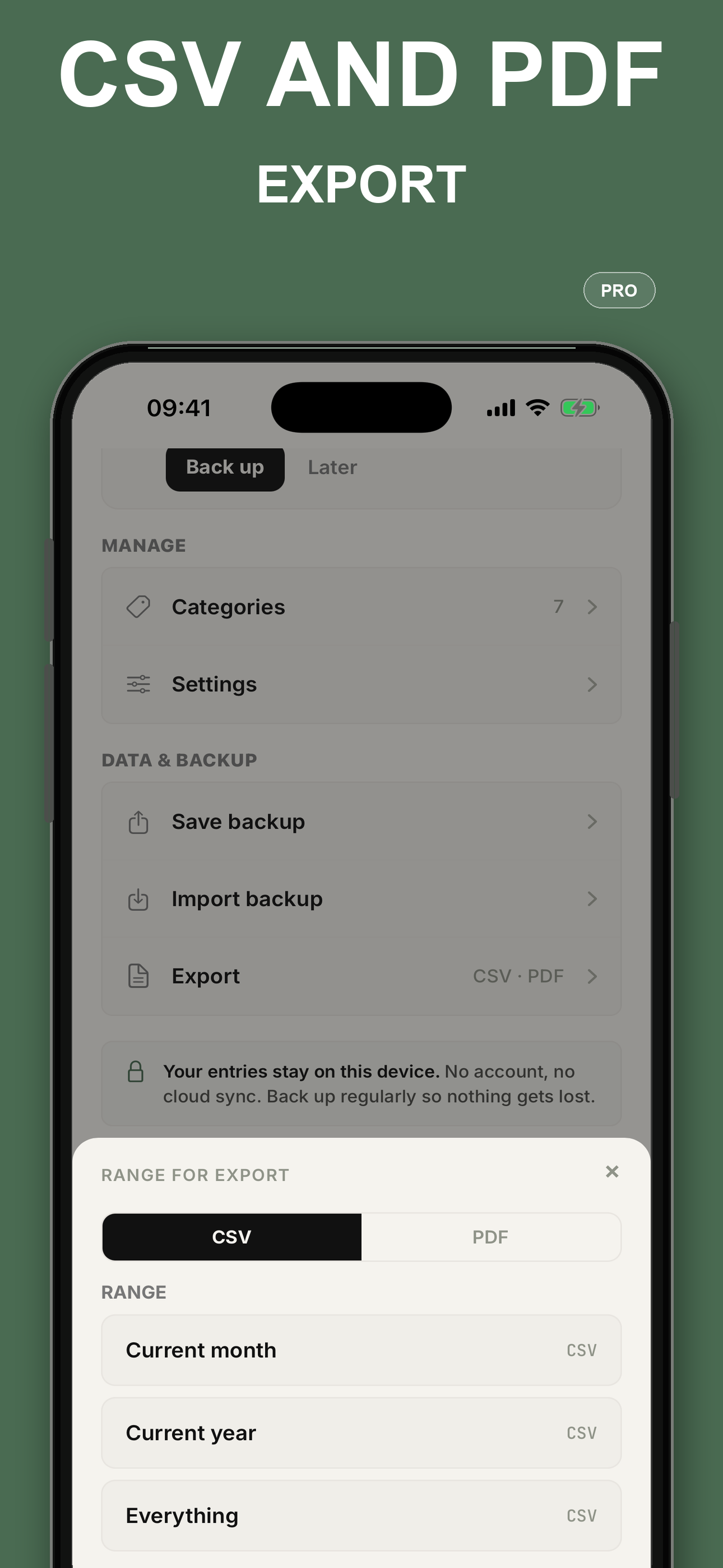
↗create a spreadsheet file (CSV) or a ready-to-read PDF
↗add context to as many transactions as you need
↗share Pro through Apple Family Sharing with up to five other family members; everyone keeps a separate household budget
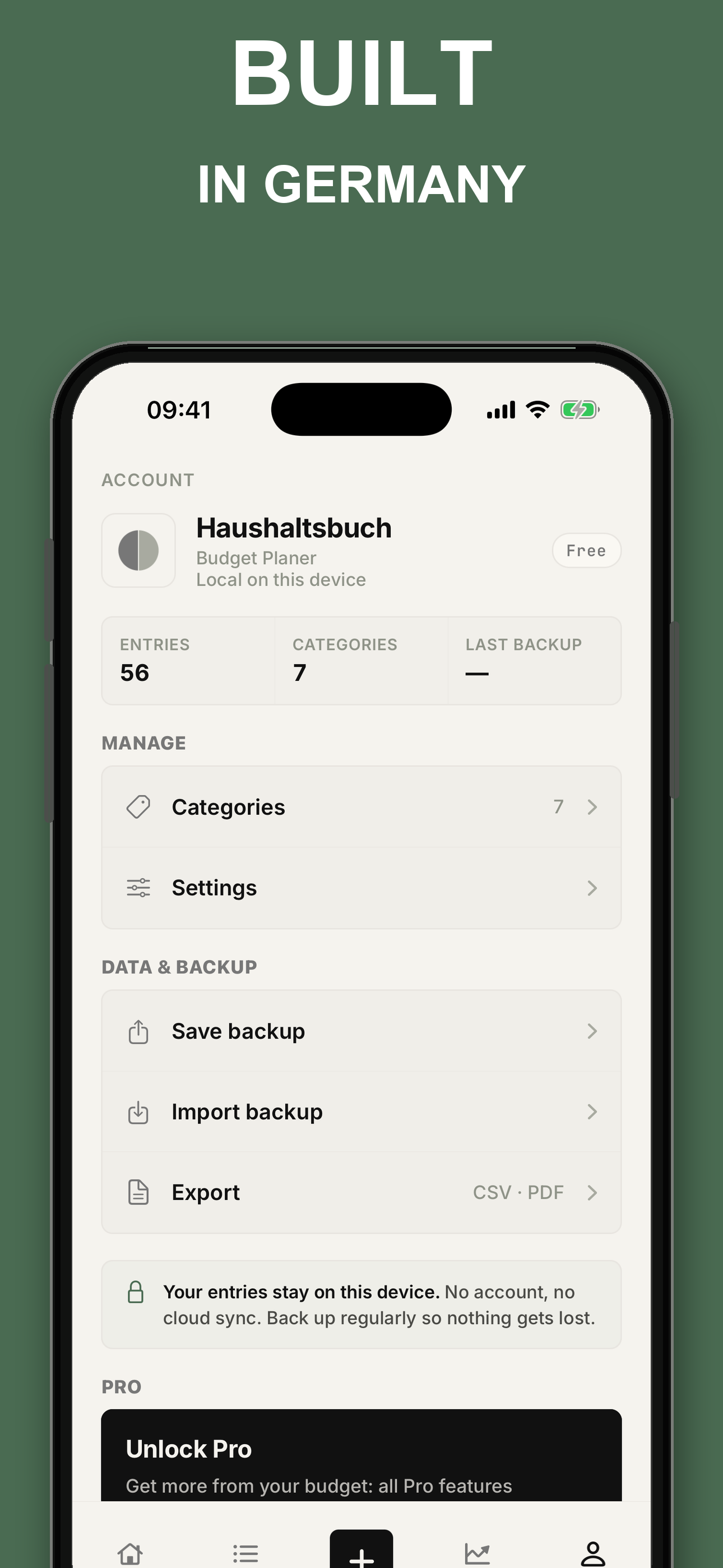
↗Built in Germany around a simple promise: your household entries stay on your device, and you stay in control.
Income, expenses, categories and notes are not sent to us or stored in an app cloud.
Open the app and begin. It never asks for your email address or bank details.
Nothing interrupts you, and the app does not analyze your budgeting behavior.
Create a backup file whenever you want, keep it where you choose, and restore it later.
First release: quick entry, a clear monthly overview, search, reports and backup. Your entries stay on your device.
Read the release notes →Yes. The free version covers everyday tracking, the latest twelve months, the monthly overview, search, filters, ready-made categories and backup. Pro adds your complete history, custom categories, deeper reports and export.
The iPhone version is available on the App Store. Android is coming soon with the same core features.
On iPhone, yes. Apple Family Sharing lets one Pro subscription cover up to five other family members. Each person keeps their own entries private.
Yes. You can record entries, review your months, search and use reports without an internet connection. You only need one to see the current Pro price, subscribe or restore a purchase.
No. Open the app and begin. There is no sign-up and no email to enter.
No. You add entries yourself, which takes only a few seconds. The app never asks for your bank login.